Wakey for Android
Stop fighting your screen timeout.
Keep the screen on for as long as you need. Your timeout setting stays exactly where you put it.
500K+ downloads · 4.6★ from 8K reviews · free, with no time limit
Before and after Wakey
Working around it
- Turn your screen timeout up to 30 minutes and leave it there
- Nudge the screen every time it starts to dim
- Try to remember to put the setting back afterwards
- Squint at full brightness at midnight, or give up in the sun
- Install something that works for a week and then quietly stops
The phone just holds it
- Your own timeout stays where you set it. Wakey doesn't touch it
- One tap from Quick Settings, the widget, or the app itself
- Set a timer and the screen goes back to normal on its own
- Dim it, brighten it, or leave your brightness alone
- Reliability Mode for phones that shut background apps down
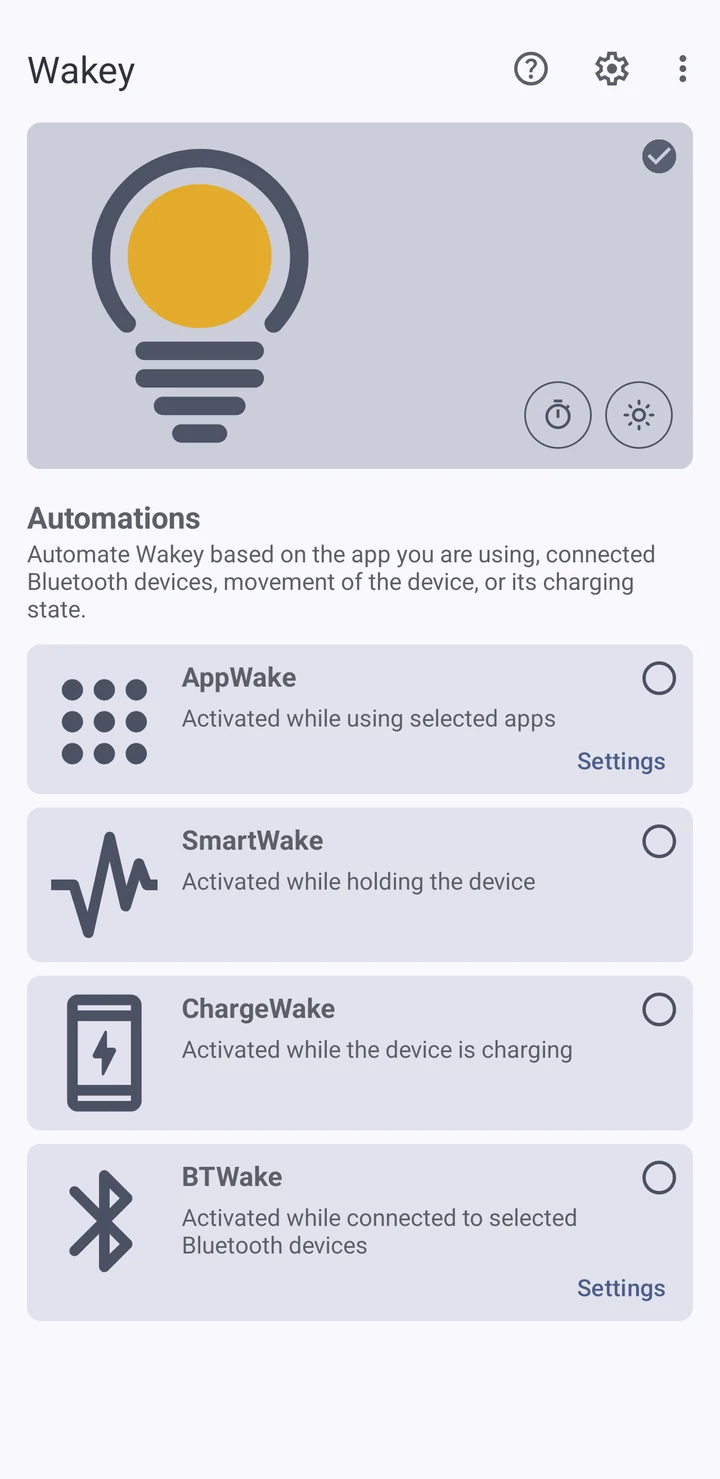
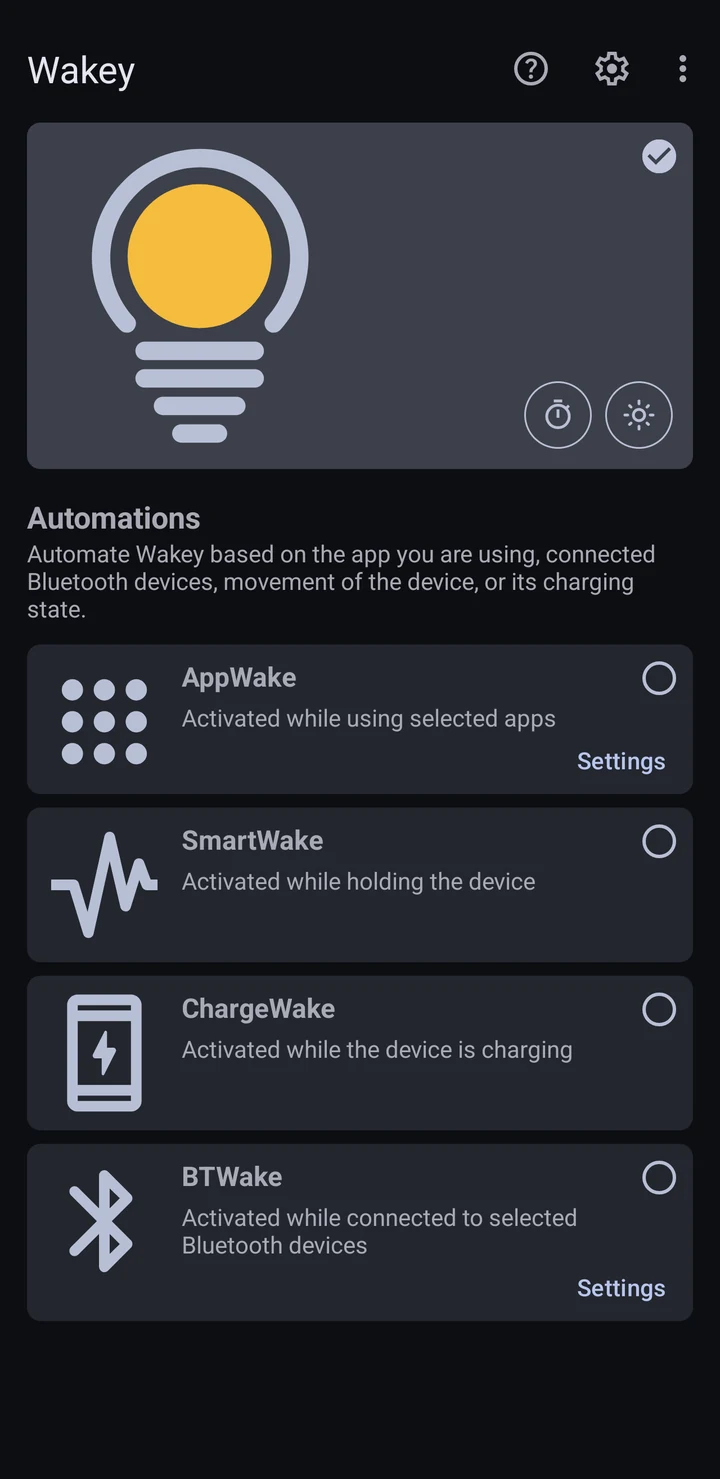
More than 32,000 devices still open Wakey every month, out of 60,000-odd that have it installed. People keep it.
Hands off
Or never tap it at all
Pick a trigger once and stop thinking about it. Wakey holds the screen for as long as that's true, then hands it straight back.
Already using Tasker? There's a plugin, so screen state can be one more action in tasks you've already built.
Pricing
Free stays free.
Switch it on yourself and Wakey costs nothing. There's no trial period and nothing expires. Plenty of people never pay for it, which is fine by me.
You decide when
Freealways
- The bulb, a Quick Settings tile and a home screen widget
- Timers, so a session ends by itself
- Dim, brighten, or leave brightness alone
- Darken Fully in Pocket, where the screen goes black but the device stays awake
- Reliability Mode
- The Tasker and Locale plugin
- Supported by ads
It decides for you
One paymentnever a subscription
- AppWake, ChargeWake, BTWake and SmartWake
- No ads
Google Play shows the price in your own currency before you buy. Wakey runs on Android 8.0 and up, on phones, tablets and Chromebooks, and is built against the current Android release.
Start free.
If you get tired of reaching for the toggle, the automation costs one payment. If you don't, keep using it the way it is.